Built for agency teams shipping HTML5 campaign variants

Build and export agency-ready HTML5 ads faster.

Set up ad sizes, manage assets, revise headlines and CTAs, and export lighter HTML5 packages from one workspace. Start with free daily credits, no card required, and passkey signup.

No card required | Free daily credits | Passkey signup

Agency Workflow

  1. 1.

    Set the format

    Choose campaign sizes, placement requirements, and the working canvas without leaving the builder.

  2. 2.

    Refine the variant

    Swap assets, adjust text, and tighten layout details while the brief keeps moving.

  3. 3.

    Export and hand off

    Package lighter HTML5 creatives that are easier for activation teams to review and deliver.

  • Ad sizes and custom dimensions Support standard placements and retailer-specific sizes from the same workflow.
  • Text and asset control Update copy, CTA styling, and creative assets when feedback lands late.
  • HTML5 export output Keep SVG handling, WebP optimization, and lightweight file delivery in one place.
Proof

What agencies can ship without extra production loops.

These examples use current app screens and current export capabilities, not concept art or placeholders.

What you can ship

Real agency tasks already covered in the builder.

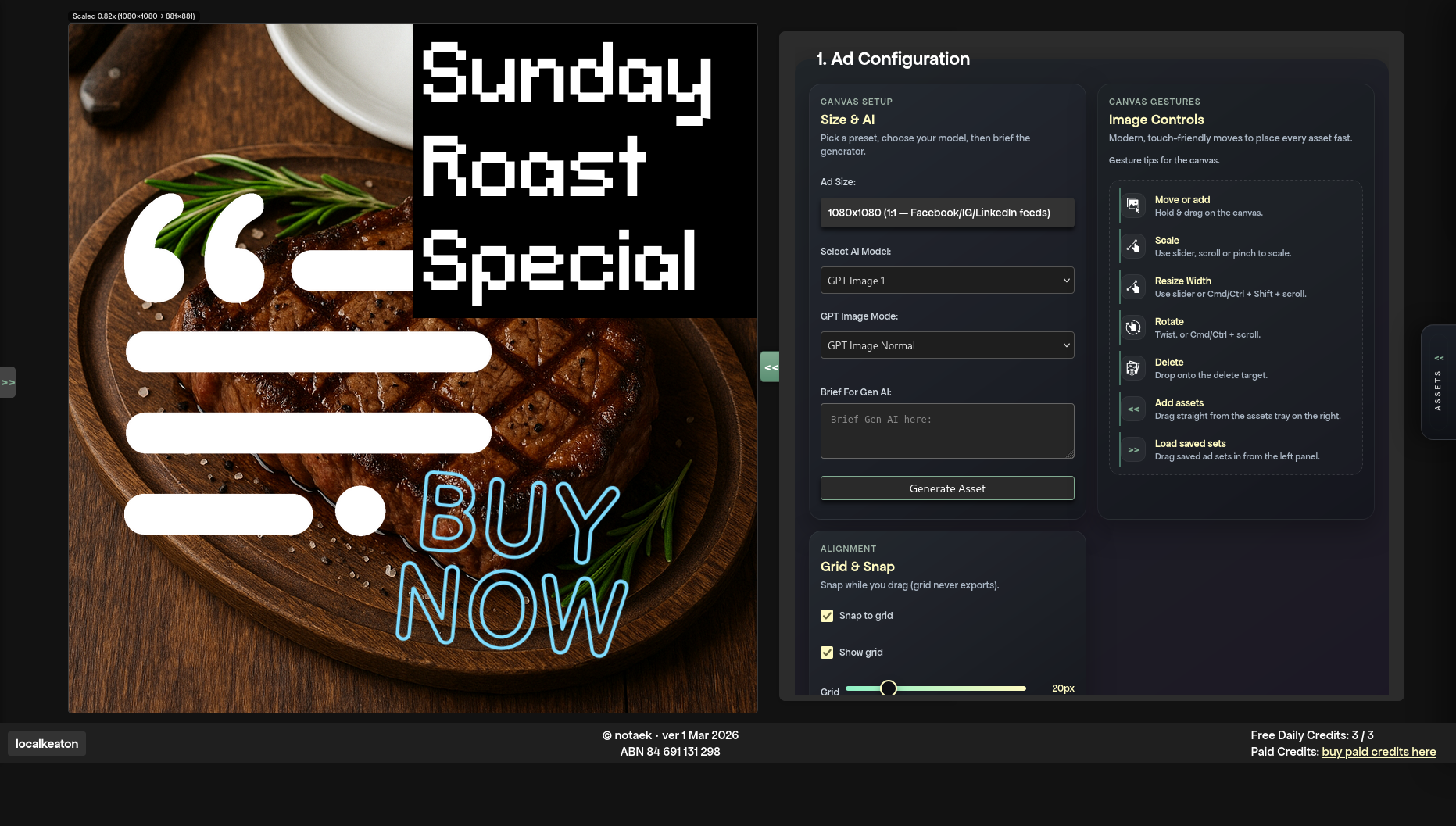
Campaign controls view used for resizing and updating HTML5 ad variants.

Campaign resize and update

Change sizing, placement setup, and campaign controls when a media plan shifts after the first round.

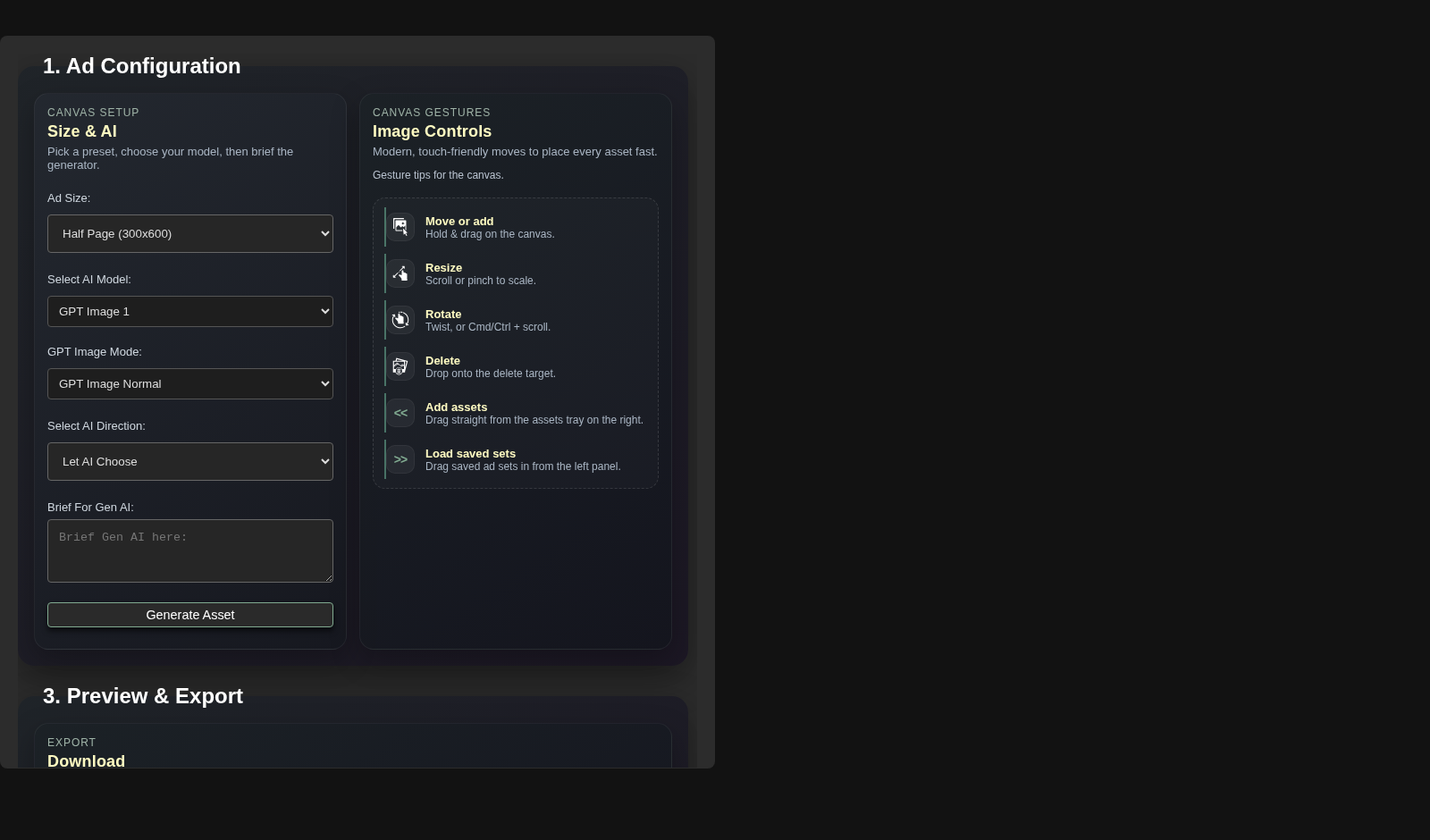
Control panel view supporting retailer-specific placement setup and format adjustments.

Retailer-specific placement prep

Use standard sizes and custom dimensions when retailer or publisher requirements do not match the first brief.

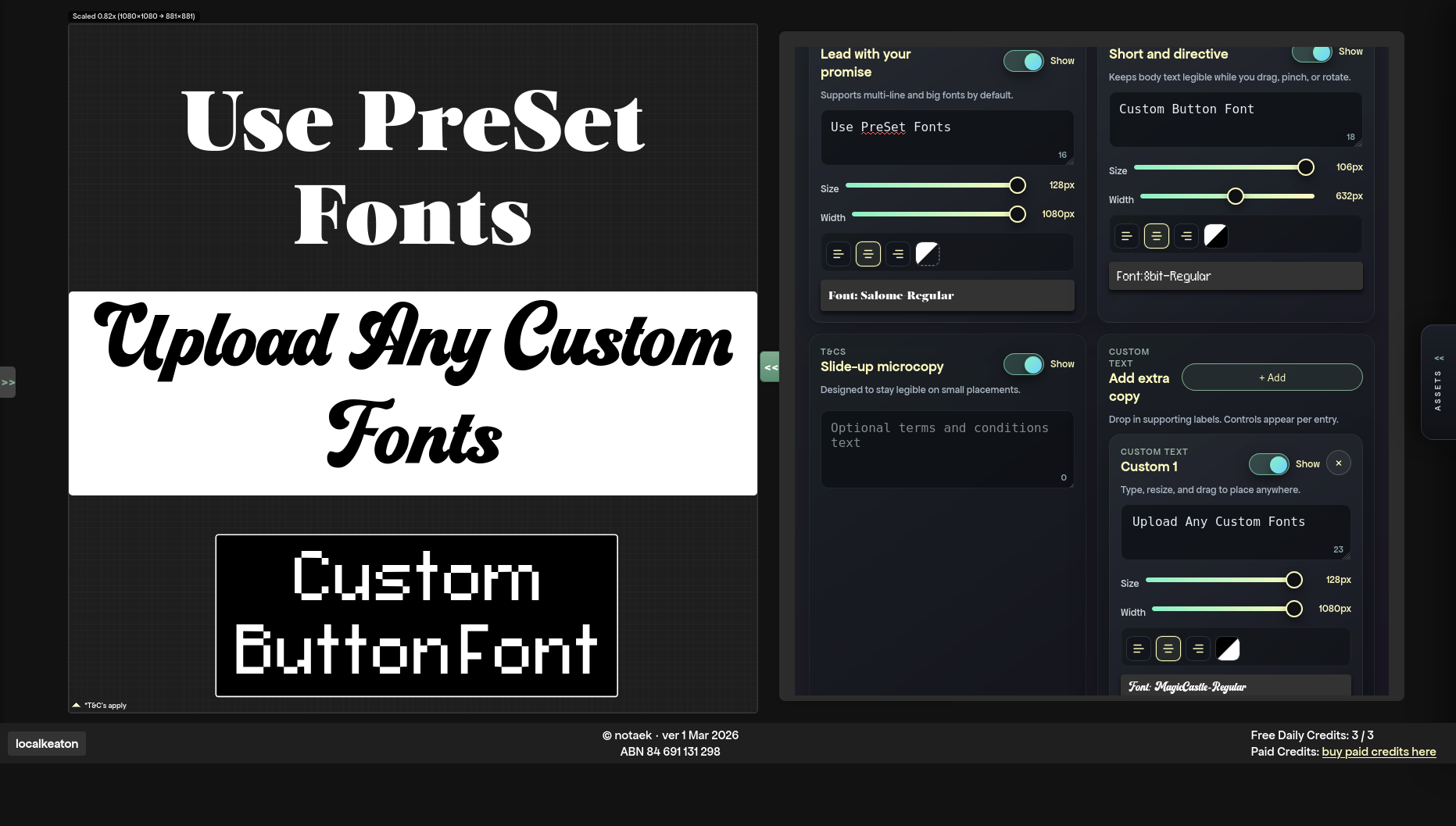
Text controls used for late headline and CTA revisions in an HTML5 ad variant.

Late-copy revision

Tighten headlines, CTAs, alignment, and text width without sending the job back through a longer production loop.

What comes out

Concrete output details for delivery and handoff.

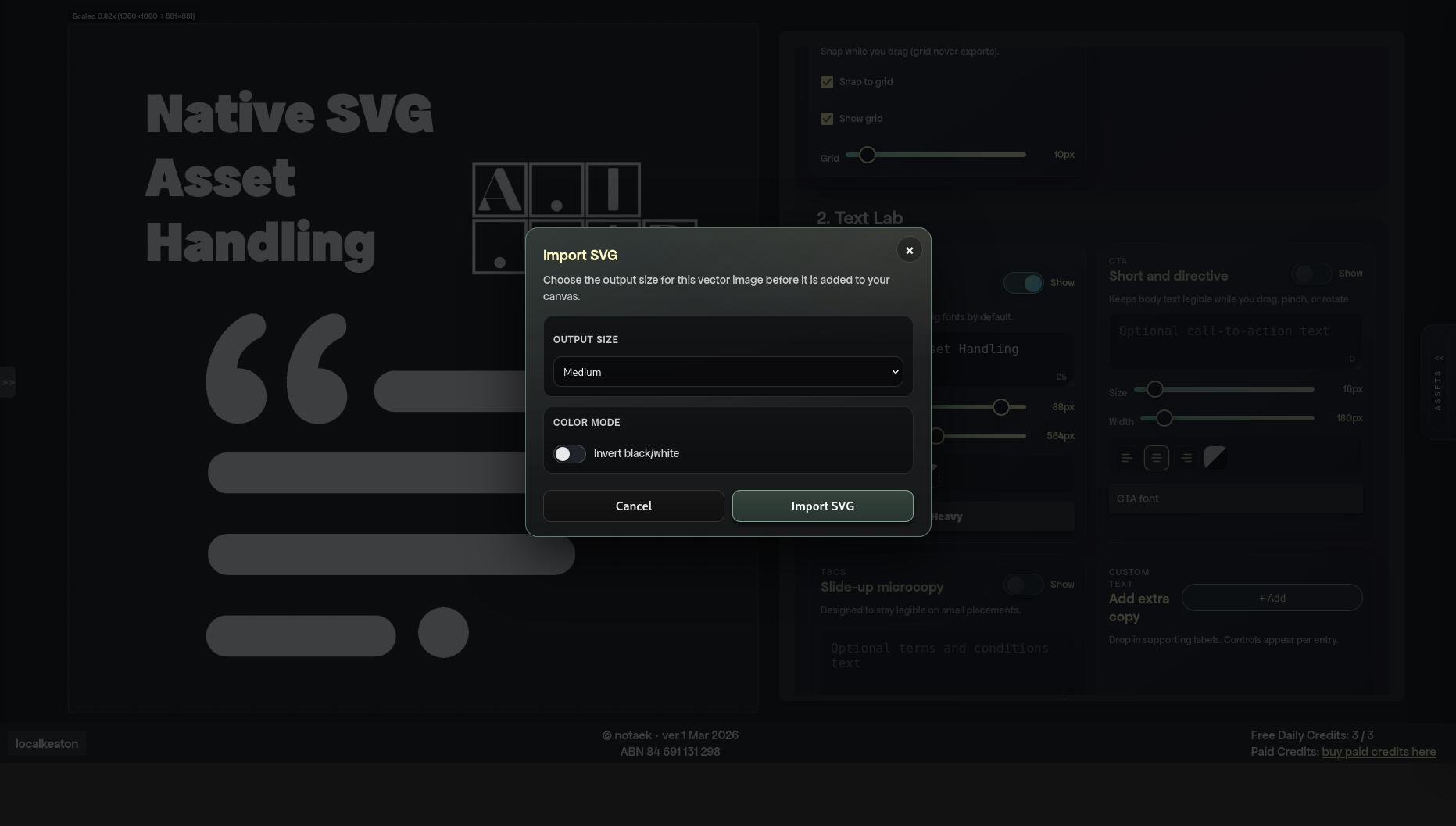
Export-related view showing SVG handling and optimized output preparation.
  • HTML5 zip packages Output is prepared for agency handoff and activation workflows.
  • Optimized assets SVG support, WebP handling, and font subsetting help keep files lean.
  • Standard and custom sizes Build for common IAB placements and retailer-specific dimensions in the same workspace.

Workflow

Move from brief to export with less rework.

Keep agency production focused on building, revising, and handing off HTML5 creatives instead of coordinating repeat rebuilds.

More variants per cycle

Update sizes, layouts, and assets fast enough to keep testing options open.

Cleaner handoff

Keep output lighter and easier to deliver to activation teams.

Less late-stage rework

Handle copy and asset changes in the builder instead of restarting production.

  1. 01

    Set up sizes, assets, and the working canvas

    Get into the builder with passkey signup and start shaping the campaign requirements immediately.

  2. 02

    Revise copy and creative variants quickly

    Use text controls, asset management, and campaign settings to keep pace with review feedback.

  3. 03

    Export lighter packages for delivery

    Prepare HTML5 output that is easier to hand off across publishers, DSPs, and retail media placements.

Start Free

New agency users can get into the builder fast.

Start with a low-friction account setup, prove the workflow on real campaign work, and only top up when you need more volume.

What you get on day one

  • Free daily credits to test the workflow before paying.
  • No card required to create the account.
  • Passkey signup for faster access and less password friction.
  • Localized paid top-ups only when campaign demand increases.

Who this is for

Agency teams producing display and retail media creatives who need to resize, revise, and export HTML5 campaigns faster.

It is not positioned as a general-purpose design suite. The workflow is focused on campaign production and delivery.

Pricing

Scale usage when campaign demand spikes.

Start free, then top up only when you need more volume. Paid credits do not expire.

Choose a region to preview local currency and available credit packs.

Loading pricing...

Use the free account first. Checkout only starts later, after login, when you decide to top up through Stripe.

Create Free Account